
Free · No sign-up · No font download
Bold Font Generator
Turn plain words into bold letters you can copy and paste into bios, posts, comments and names. Type once, then tap a style to copy it.
Bold text styles
✓ Works on phone and desktop✓ No font install✓ Tap any style to copy
The basics
What Is a Bold Font Generator?
A bold font generator turns ordinary letters into bold-looking Unicode characters that you can copy and paste. It does not change the font on your device. Each letter is swapped for a separate symbol from Unicode’s Mathematical Alphanumeric Symbols block, so the thick, bold look travels with your text into apps that have no bold button.
That is why the result is sometimes called Unicode bold text. The letter B and the symbol 𝐁 look alike, but to a computer they are different characters. When you paste them, the app shows whatever characters you gave it, so the bold survives.
The swap only exists for basic letters and, in some styles, the numbers 0 to 9. Punctuation, emoji and accented letters stay plain. The conversion runs in your browser as you type. If you want more than bold, you can browse all 110+ text styles on the FontTex homepage.
Bold Unicode text vs a downloadable bold font
People searching for a bold font often want one of two different things. This table shows which one this page gives you.
| Compare | Bold Unicode text | Downloadable font file |
|---|---|---|
| What you get | Characters you copy and paste | A TTF or OTF file you install |
| Install needed | No | Yes, on every device that shows it |
| Bios, captions, comments | Yes, in many apps | No, the app uses its own font |
| A named typeface (Futura, Georgia, Andy) | No | Yes |
| Logos, posters, print | Not a good fit | Yes |
How it works
How to Use the Bold Text Generator
Four steps take you from plain text to bold text in the app you care about. Nothing to install and no account needed.
01
Type or paste your text
Enter your words in the box at the top. Every style updates live as you type, so you see the bold version right away.
02
Pick a bold style
Scroll the styles above or use Search styles to jump to one by name. Tap the star on any style to keep it in Saved for next time.
03
Copy it
Tap the result or its Copy button. Want to compare them all? Use Export to copy all styles, download a TXT file, or print and save a PDF.
04
Paste it where you want
Copy the style to your clipboard. On a phone, press and hold the text field, then tap Paste. On a computer, press Ctrl+V (Windows) or Cmd+V (Mac). Check the preview before you publish a social post or message.
Tip: Your text comes with you when you open another FontTex tool during the same visit, so you can compare bold with other looks without typing it again.
Bold styles
Bold Font Styles to Copy and Paste
The tool above gives you a focused set of bold styles. Some are plain and easy to read, others add a script, gothic or boxed look. Here is what each one looks like, where it works best and where it can let you down.
Bold sans
𝗠𝗮𝗸𝗲 𝗜𝘁 𝗕𝗼𝗹𝗱 𝟮𝟰/𝟳
Best for: Profile names, bio headlines, LinkedIn post hooks and prices. It is the cleanest and easiest bold to read on a small screen.
Watch out: It still looks like plain bold, so it will not stand out as “fancy.” That is usually a good thing.
Bold serif
𝐌𝐚𝐤𝐞 𝐈𝐭 𝐁𝐨𝐥𝐝 𝟐𝟒/𝟕
Best for: Quotes, book or product titles, and labels like “Pros” and “Cons” in reviews. It has a classic, print-like feel.
Watch out: Serifs get busy at tiny sizes. Keep it to a few words.
Bold italic (serif and sans)
𝑴𝒂𝒌𝒆 𝑰𝒕 𝑩𝒐𝒍𝒅 24/7
𝙈𝙖𝙠𝙚 𝙄𝙩 𝘽𝙤𝙡𝙙 24/7
Best for: Adding energy to a single word or a short tagline without switching to a script.
Watch out: Unicode has no bold italic numbers, so digits stay plain, as the samples show.
Bold cursive
𝓜𝓪𝓴𝓮 𝓘𝓽 𝓑𝓸𝓵𝓭 24/7
Best for: Names, signatures in a bio and soft, personal captions where bold sans feels too loud.
Watch out: Script capitals are harder to read, especially in all caps. Numbers stay plain.
Gothic bold
𝕸𝖆𝖐𝖊 𝕴𝖙 𝕭𝖔𝖑𝖉 24/7
Best for: Gamer tags, band names and dark or medieval themes. This is the bold form of the Fraktur letters.
Watch out: Some letters (like 𝕴 and 𝕵) are hard to tell apart. Avoid it for anything people must read fast.
Double struck and filled squares
𝕄𝕒𝕜𝕖 𝕀𝕥 𝔹𝕠𝕝𝕕 𝟚𝟜/𝟟
🅼🅰🅺🅴 🅸🆃 🅱🅾🅻🅳
Best for: Short labels, titles and one-word callouts that need a strong, graphic look.
Watch out: Filled squares have capitals only and no numbers. On some phones, A, B, O and P may turn into red emoji.
Bold letters A to Z and 0 to 9
Need a single bold letter or number? Copy it straight from these alphabets.
Bold sans alphabet and numbers
𝗔𝗕𝗖𝗗𝗘𝗙𝗚𝗛𝗜𝗝𝗞𝗟𝗠𝗡𝗢𝗣𝗤𝗥𝗦𝗧𝗨𝗩𝗪𝗫𝗬𝗭
𝗮𝗯𝗰𝗱𝗲𝗳𝗴𝗵𝗶𝗷𝗸𝗹𝗺𝗻𝗼𝗽𝗾𝗿𝘀𝘁𝘂𝘃𝘄𝘅𝘆𝘇
𝟬𝟭𝟮𝟯𝟰𝟱𝟲𝟳𝟴𝟵
Bold serif alphabet and numbers
𝐀𝐁𝐂𝐃𝐄𝐅𝐆𝐇𝐈𝐉𝐊𝐋𝐌𝐍𝐎𝐏𝐐𝐑𝐒𝐓𝐔𝐕𝐖𝐗𝐘𝐙
𝐚𝐛𝐜𝐝𝐞𝐟𝐠𝐡𝐢𝐣𝐤𝐥𝐦𝐧𝐨𝐩𝐪𝐫𝐬𝐭𝐮𝐯𝐰𝐱𝐲𝐳
𝟎𝟏𝟐𝟑𝟒𝟓𝟔𝟕𝟖𝟗
Ready to copy
Bold Text Ideas for Real Posts
Bold works best on a few words, not a whole post. These examples show the most common jobs for bold text. Copy one as it is, or type your own words in the tool.
Bio first line
Bold the one line that says who you are. Keep the rest plain so it stays easy to scan.
Try: 𝗕𝗮𝗸𝗲𝗿. 𝗖𝗼𝗳𝗳𝗲𝗲 𝗹𝗼𝘃𝗲𝗿. 𝗗𝗼𝗴 𝗺𝗼𝗺.
Post hook
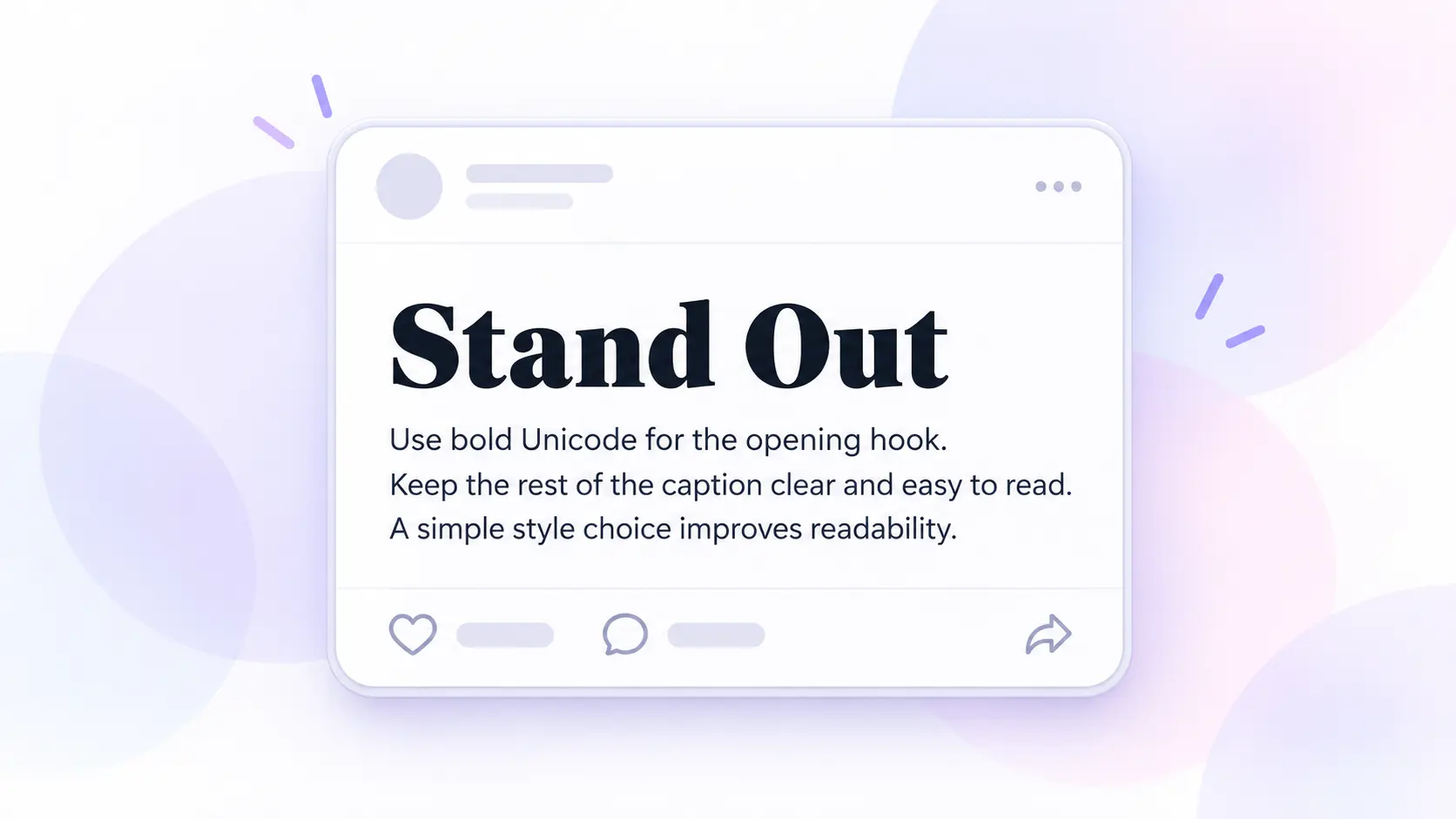
Bold the opening line, since it is what people see before they tap to read more.
Try: 𝐖𝐞’𝐫𝐞 𝐡𝐢𝐫𝐢𝐧𝐠: 𝟑 𝐫𝐞𝐦𝐨𝐭𝐞 𝐫𝐨𝐥𝐞𝐬
Post headline
Use one bold line as a headline, then write the details in normal text.
Try: 𝗦𝗔𝗟𝗘 𝗘𝗡𝗗𝗦 𝗙𝗥𝗜𝗗𝗔𝗬
Reviews
Labels in a review
Bold short labels so readers can jump to the part they care about.
Try: 𝐏𝐫𝐨𝐬: … 𝐂𝐨𝐧𝐬: …
Gaming
Display name
Gothic bold gives a name a strong, dark look. Test it in the name field before you commit.
Try: 𝕹𝖎𝖌𝖍𝖙𝕱𝖔𝖝
Numbers
Lists and prices
Bold digits make a number pop inside a line of plain text.
Try: 𝗧𝗼𝗽 𝟭𝟬 𝗧𝗶𝗽𝘀
Use it well
When Should You Use Bold Text?
Use bold text for the one thing a reader must not miss: a name, a headline, a price or a deadline. Bold loses its power when everything is bold, and long bold paragraphs are harder to scan. A good rule is one bold line per post or bio, with the rest in plain text.
Check for a built-in bold first
Unicode bold is the answer when an app gives you no bold button. If the app already has real bold formatting, use that instead. Real bold stays readable for screen readers and searchable.
Built-in
Docs and email
In Google Docs, Word and most email apps, select the words and press Ctrl+B on Windows or Cmd+B on a Mac. That is real bold, and it works better than Unicode there.
Built-in
Chat apps
Many chat apps turn symbols into bold. In WhatsApp and Slack, put one asterisk on each side, like *this*. In Discord, use two on each side, like **this**.
Built-in
Your own website
On a web page, use the HTML <strong> tag or the CSS rule font-weight: 700. Screen readers and search engines read that text normally.
Want a different kind of emphasis, like underlined or crossed-out words? Those live on a separate page.
Where it works
Where Can You Paste Bold Text?
You can paste bold Unicode text into most places that accept typed text, such as bios, posts, comments, chat messages, video titles and many display names. It shows as bold when the reader’s device has a font with these characters. Fields for usernames and handles often allow only plain letters and numbers, so they may reject it.
InstagramFacebookLinkedInXTikTokYouTubeWhatsAppDiscordReddit
Copy a bold line, open the post or comment box, paste it, and check the preview before you post. Bold works well as the first line of a post.
Watch out: Facebook’s name rules do not allow symbols or unusual characters, so a bold profile name will likely be rejected.
Paste bold text into your bio, captions, comments or the name field. Bold one short line so your bio stays readable.
Watch out: Your @username only accepts plain letters, numbers, periods and underscores.
Use bold for a post hook or a line in your About section. Keep job titles and skills plain.
Watch out: People and search tools look for plain words. A job title in bold letters may not match when someone searches for it.
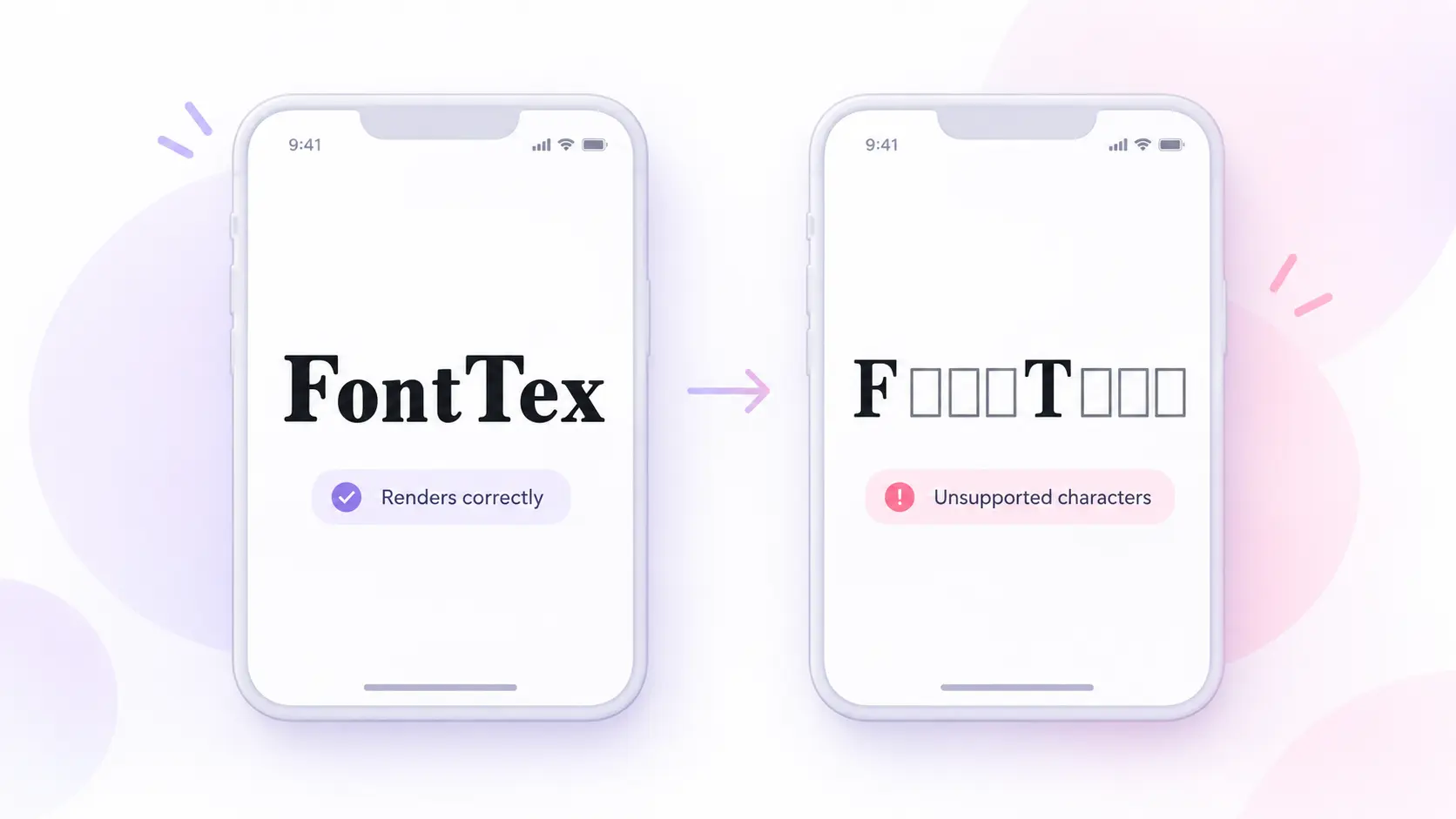
Good to know: Styled text can look a little different from one phone or computer to the next, because each device draws the characters with its own fonts. Send a test post or check it on a second device before a big launch.
Fix it fast
Bold Text Not Working? Quick Fixes
Most problems come from the app or device on the other end, not the tool. Find what you see below and try the fix.
I see empty boxes or question marks
The device reading your text does not have a font with these characters. Updating the phone or browser usually fixes it. Bold sans and bold serif tend to show up on the most devices, so try those first.
Some letters did not turn bold
Accented letters, punctuation, emoji and symbols have no bold version, so they stay plain. Bold italic, bold cursive and gothic bold also keep numbers plain. Switch to bold sans or bold serif if you need bold digits.
The app says my name has invalid characters
Username, handle and some name fields only accept plain letters and numbers. Paste your bold text into the display name, bio or post instead.
I hit the character limit sooner than expected
Each bold letter is a separate character from outside the basic alphabet, and some apps count it as two. Bold a shorter phrase and leave the rest plain.
People cannot find my post by searching
Search tools look for plain letters, and bold letters are different characters. Keep names, keywords and hashtags in plain text so people can find them.
My A, B, O or P turned into a red emoji
Those four filled square letters double as emoji on some phones. Choose double struck or bold sans for words that use them.
Accessibility note: Screen readers may read bold Unicode letters one by one, call them math symbols, or skip them. Keep names, links, dates and anything important in plain text, and use bold for short labels only. Never write a whole post in bold letters.

Created and reviewed by
Daniel Turner · Founder & Product Editor at FontTex
Daniel Turner oversees FontTex’s product direction, tool testing, and editorial content. He reviews guides about Unicode text transformations, copy-and-paste behavior, compatibility, readability, and accessibility, and checks technical claims against primary or authoritative sources where appropriate.
Ready to Make Your Words Bold?
Type your text, tap a bold style, and paste it where it counts. You can also browse more FontTex style families.